
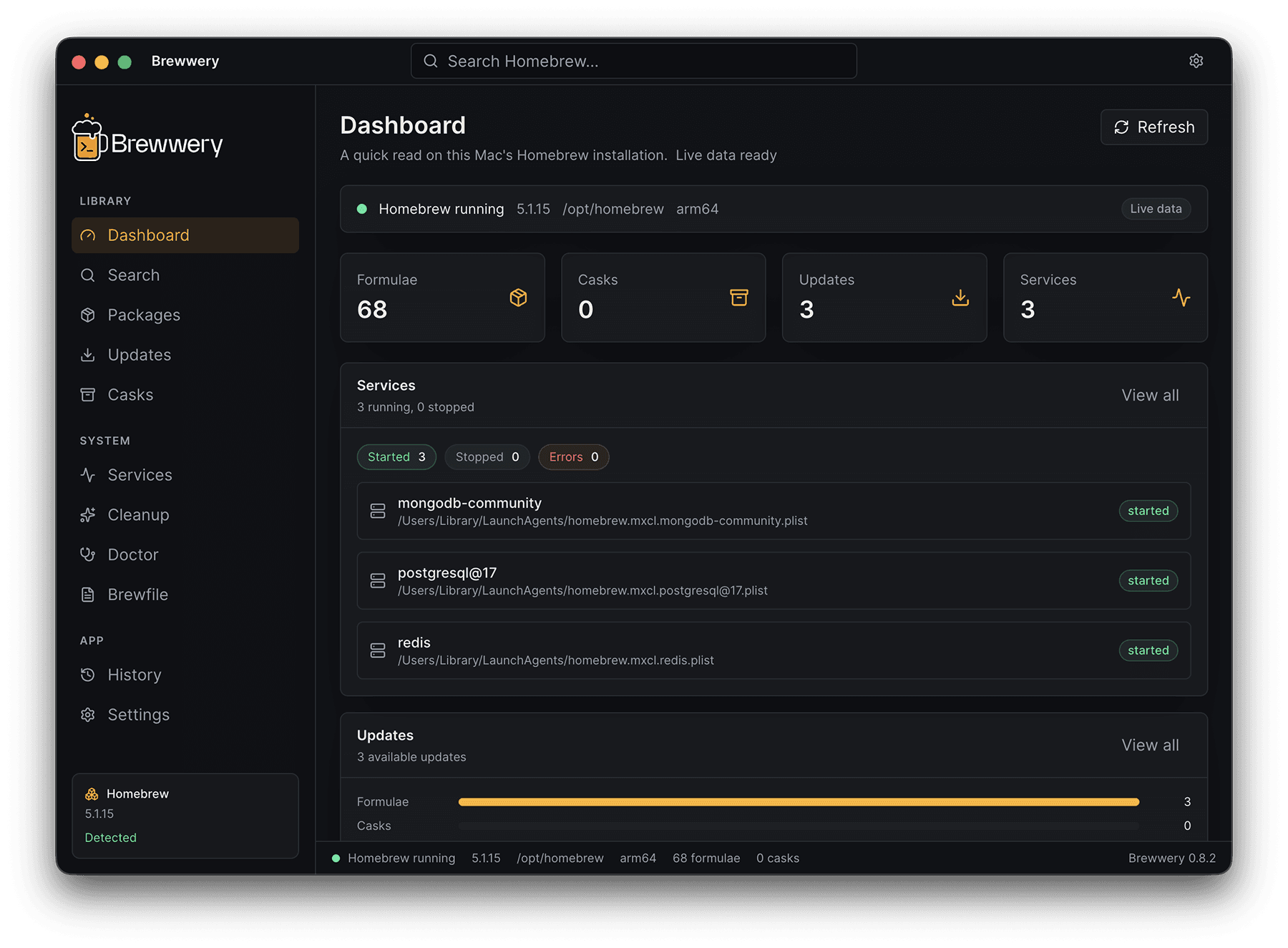
What you get
One place for everything Homebrew
Security model
Local-first. No surprises.
Typed IPC only
The renderer never spawns a shell. Every command flows through validated, typed channels.
Explicit confirmation
Mutating actions like install, uninstall, and cleanup always require user approval.
Zero data collection
No telemetry, no cloud sync, no auth, no paid logic. Everything stays on your Mac.
Roadmap
Where Brewwery is headed
A public look at what's done, in progress, and planned next.
Shipped
Brewfile export & history
Export reproducible Brewfiles and track every local install.
Shipped
Services & cleanup
Start/stop Homebrew services and preview disk savings before cleanup.
In progress
Signed & notarized builds
Code signing and notarization to remove Gatekeeper warnings before v1.0.
In progress
Intel & Universal builds
First-class support for Intel Macs alongside Apple Silicon.
Planned
Scheduled auto-updates
Opt-in background checks for outdated packages with notifications.
Planned
Custom taps management
Add, browse, and manage third-party taps from the UI.