
How to install
- 1
Download the disk image
Click the button above to get brewwery.dmg, the same notarized build that ships with every release.
- 2
Open it and drag Brewwery to Applications
Double-click the downloaded file and drag the Brewwery icon onto the Applications folder in the window.
- 3
Launch Brewwery
Open it from Applications or Spotlight. Because the app is signed and notarized, macOS opens it without a Gatekeeper warning.
- 4
Let it find Homebrew
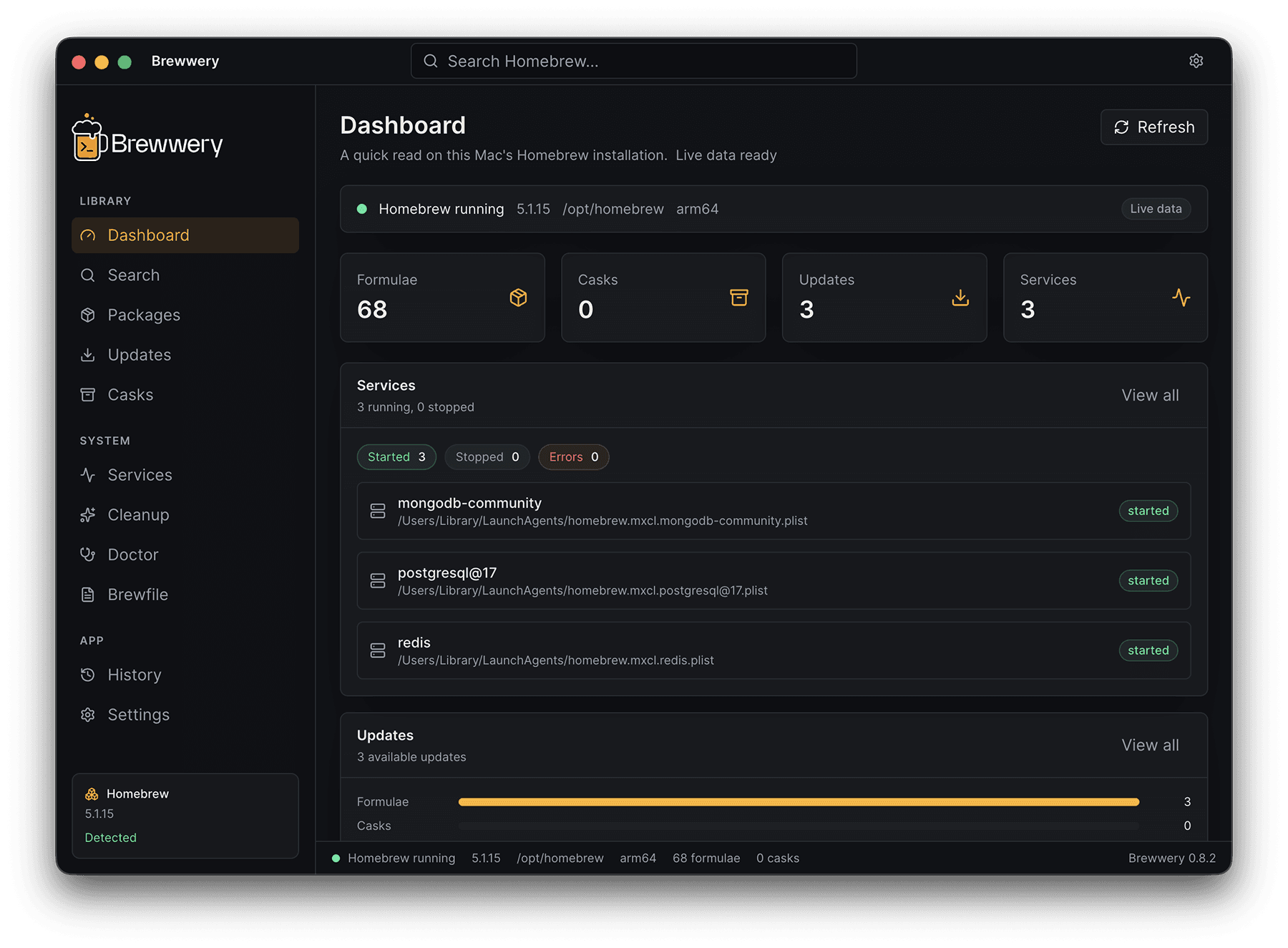
Brewwery detects Homebrew automatically and shows your formulae, casks, services and updates. If Homebrew lives somewhere unusual, set the path in Settings.
Requirements
- macOS 14 Sonoma or later
- Apple Silicon or Intel Mac — one universal app
- Homebrew installed, at /opt/homebrew, /usr/local, or a path you set
- About 25 MB of disk space
What you are installing
- Signed with an Apple Developer ID and notarized by Apple
- MIT licensed, with the full source on GitHub
- No telemetry, no accounts, no cloud sync
- Updates itself through signed Sparkle releases